Adding Leads Manually & Importing via CSV
Last updated: July 16, 2026
Add a single lead manually
Go to app.outcraft.ai/leads and click + Add Lead.
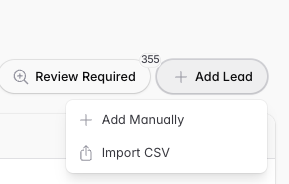
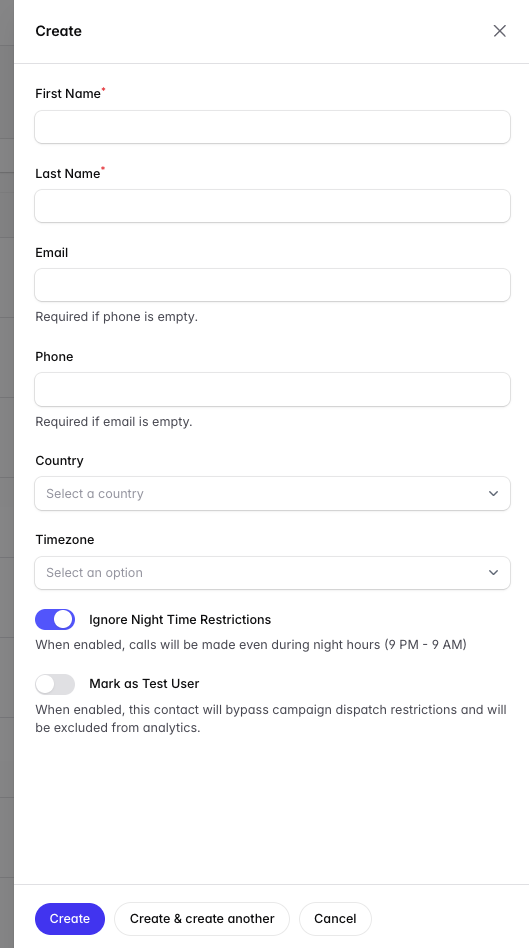
This is also how you test a full campaign flow. The Test Call feature only tests call quality — it won’t send follow-up emails or SMS. Add yourself as a lead to experience the complete sequence.
Import leads via CSV
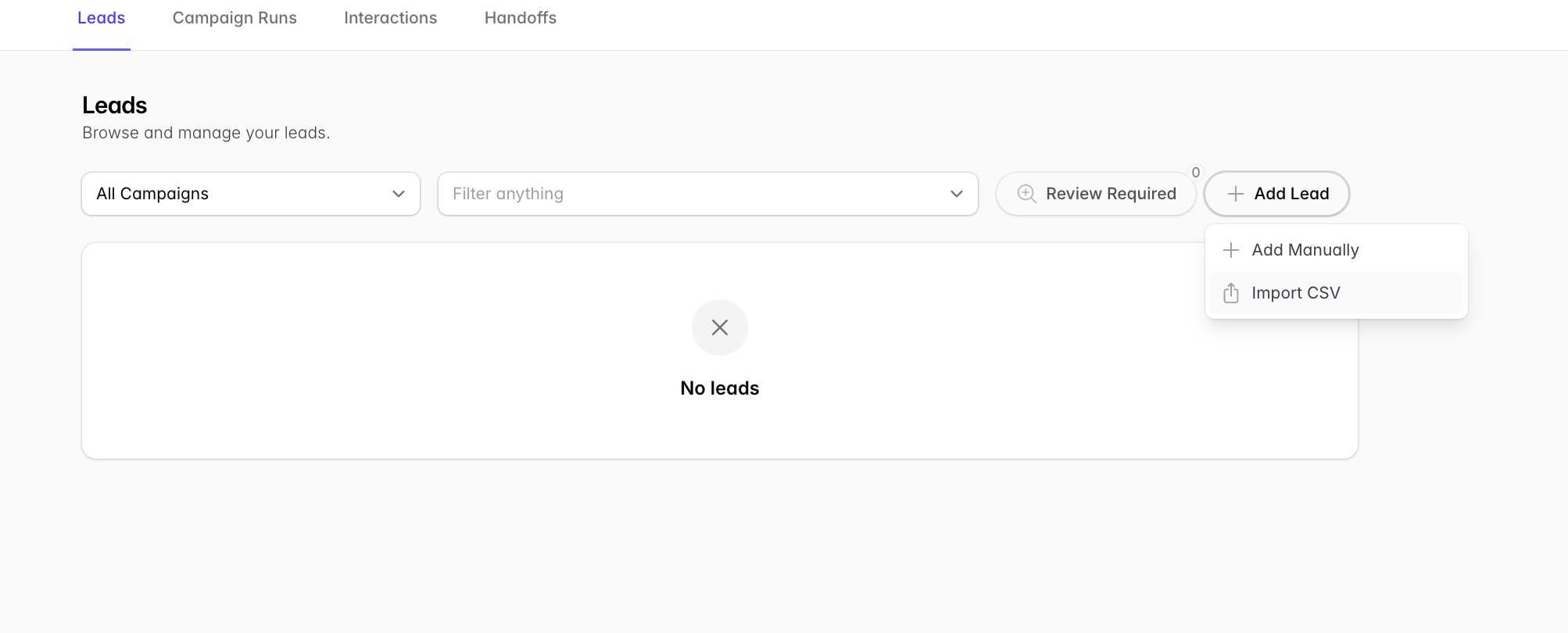
Publish your campaign first (Review and Publish), then go to the Leads page: app.outcraft.ai/leads
Click + Add Lead, then Import CSV.
Upload your CSV and select which campaign the leads should run on.
To append a tag to the imported leads, click the + symbol.
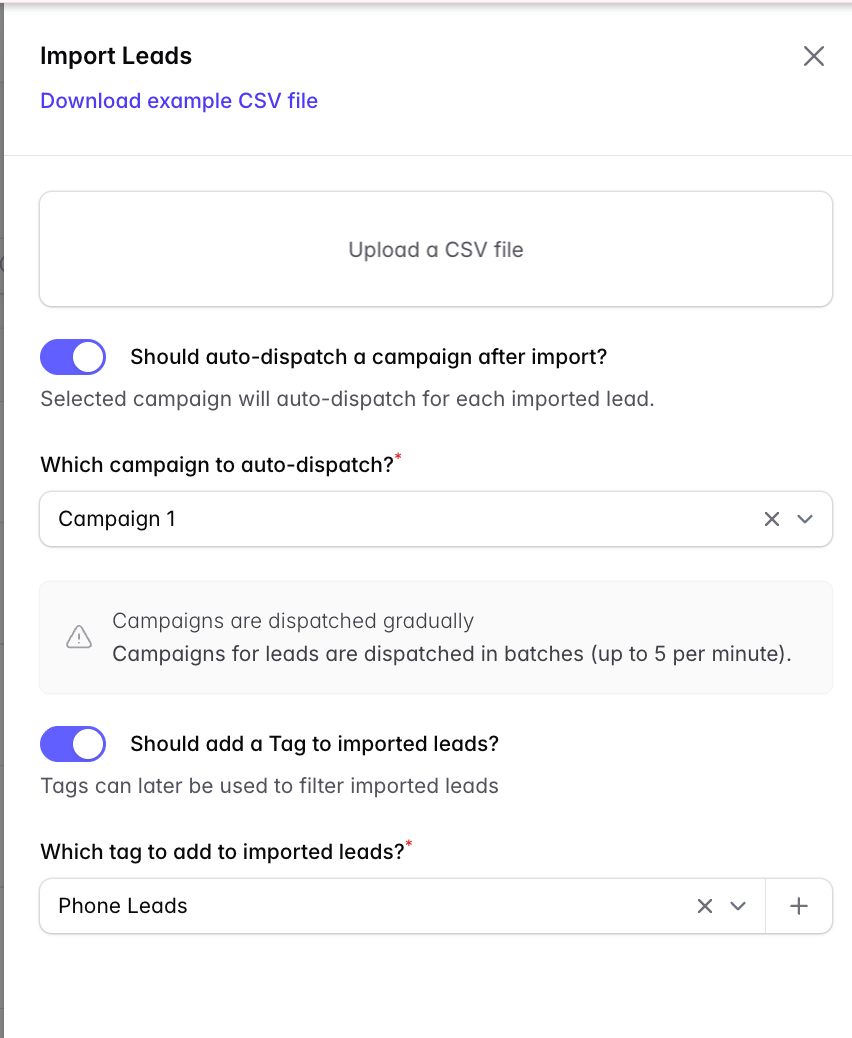
Batch size: uploading several thousand leads at once may trigger an alert from Outcraft. Upload up to 500 at a time.