Chat Support in the App
Last updated: August 13, 2026
Where to find the chat widget
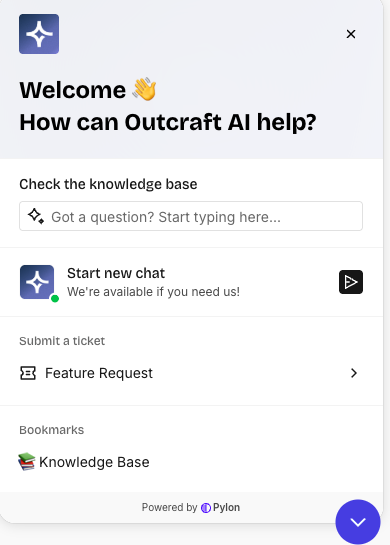
The chat widget appears on every page after you sign in. Open it from the bottom-right corner of the page. The widget knows your account, so you do not need to identify yourself.

When you can use the chat
The chat is open 24 hours a day, 7 days a week.
Where your ticket goes
If your company has a shared Slack channel with Outcraft, Outcraft creates a ticket in that Slack channel. If you contact Outcraft another way, for example WhatsApp, Outcraft creates a ticket by email.
Find an answer yourself
Open the account menu at the top right of the page. Select Help Center. The knowledge base opens in a new tab.
Related
Start here if you are new → Welcome! Getting started with Outcraft AI