Writing Your Campaign Brief: Instructions, Guardrails & Custom Fields
Last updated: July 16, 2026
The Campaign Brief
The Campaign Brief is the heart of the campaign and its most important section. This form trains the AI agent how to engage with customers. Consider the situation, the goal, and how the agent should behave — including edge cases.
Start with 1–3 sentences explaining your campaign. Then expand and adapt it to suit your needs as you test.
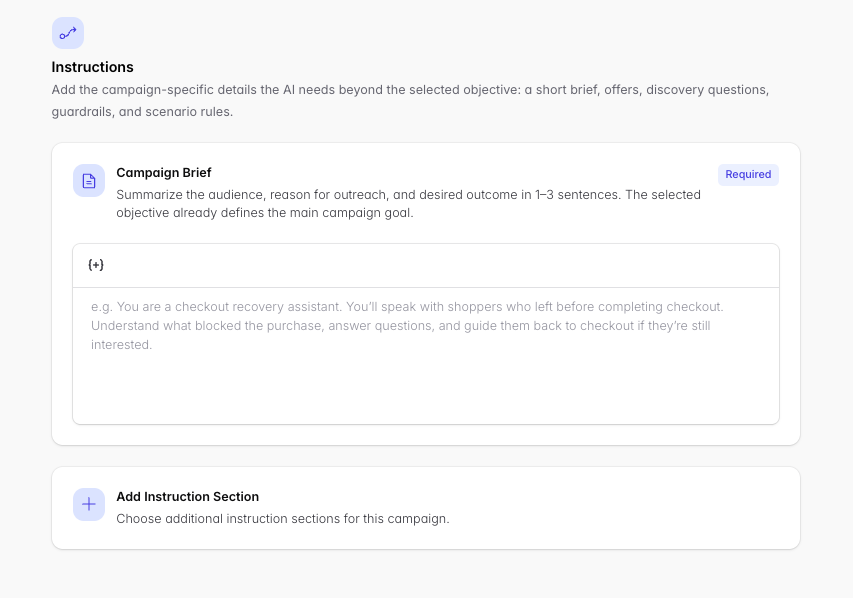
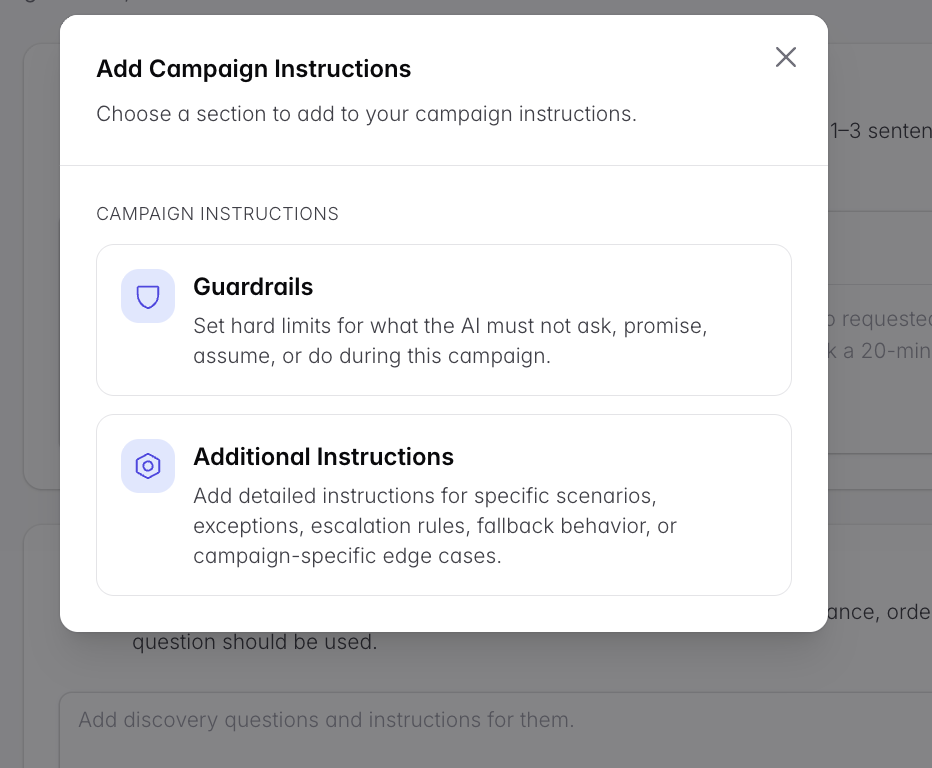
Add Instruction Section
Instruction sections add context and rules to your campaign instructions for a more fine-tuned experience. This is also where you add a Discount Code to your campaign (if desired — see the Abandoned Cart guide for offer strategy).
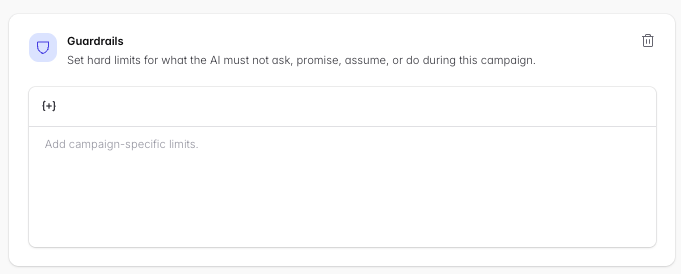
Guardrails
State what the agent should always say or never say.
Include things the agent should not promise: free shipping, definitive delivery times, specific SLAs, etc.
Provide context on the expectations of the person the agent is speaking with, so it doesn’t make assumptions about their knowledge or history with your product.
AI disclosure is mandatory when asked. If a lead asks whether they’re speaking to an AI, the agent will always confirm that it is. This is legally required and cannot be switched off. What is optional is whether the agent discloses it proactively up front (e.g. “this is a virtual assistant calling”).
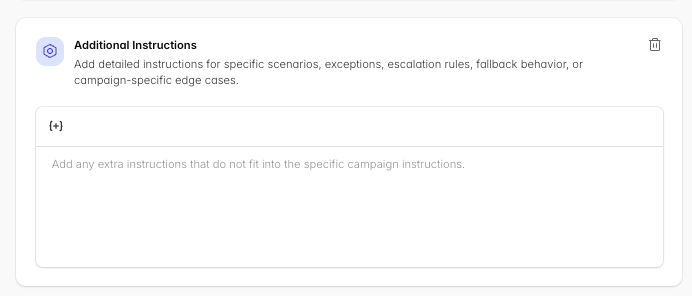
Additional Instructions
Add detailed instructions for specific scenarios, exceptions, escalation rules, fallback behavior, or campaign-specific edge cases:
If you know common questions leads ask, provide the questions and answers so the agent follows your script.
Add any known caveats or terms to the support provided.
Specify what to do when a user asks to speak with a real human.
Custom Fields
Use the {+} button to insert custom fields — variables like {{ total_price }}, {{ shipping_address }}, or {{ Discount Code }} that fill per lead from your source data (Shopify, Klaviyo, Custom API, etc.). The agent can use them to reference items left in a cart, the lead’s location, or other details for a more personalized experience.
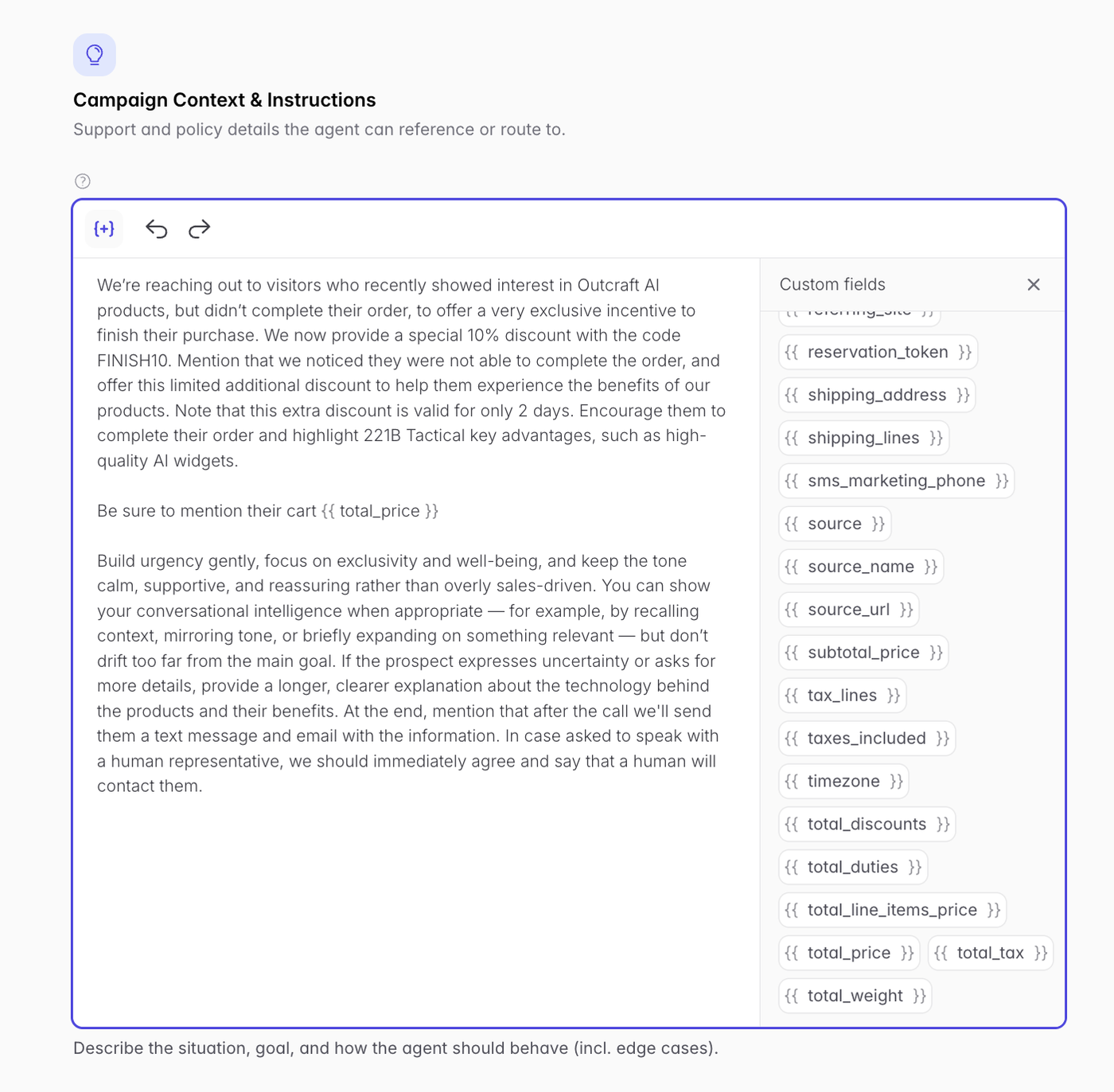
Watch out: only reference custom fields your lead source actually provides. A {{ total_price }} with no Shopify/API data behind it comes through blank on the call.
Verify your campaign with a Test Call
Once you have a phone number configured, use Test Call (enter your name + number, hit Call Me!) to hear the prompt live before launching. This is the fastest way to catch an awkward opening or a missing variable.
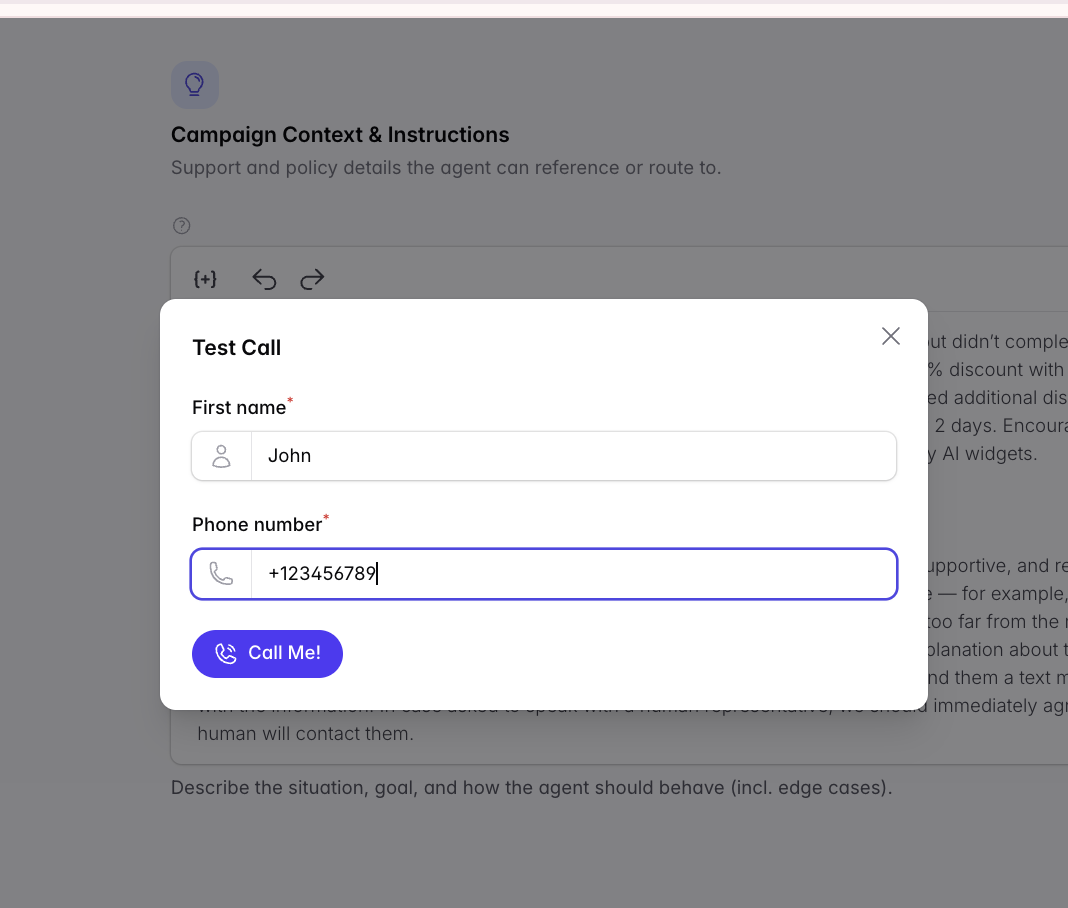
The Test Call does not test the full campaign flow. If you ask the agent for a booking link, email, or SMS during the test it may offer to send one, but it won’t actually deliver messages. To test a full campaign flow, add yourself as a lead manually once you’re live → Adding Leads Manually & Importing via CSV
Making the agent sound more natural: every change to your Campaign Instructions improves the flow of conversation. Iterate on the prompt and re-test until you get the results you want.