Adding Phone Numbers to Your Campaign
Last updated: November 3, 2026
These are the numbers your AI agent calls and texts from. Coverage in the lead’s region improves answer rates and deliverability.
Business registration requirements
Some regions require a business registration in the location the phone numbers call from. Others only require your business information without in-country registration.
The United States and the Netherlands do not require registration, so they are good placeholders for testing and early campaign launches.
For per-country details, see Phone Number Coverage by Country: Twilio & Telnyx.
Adding a number
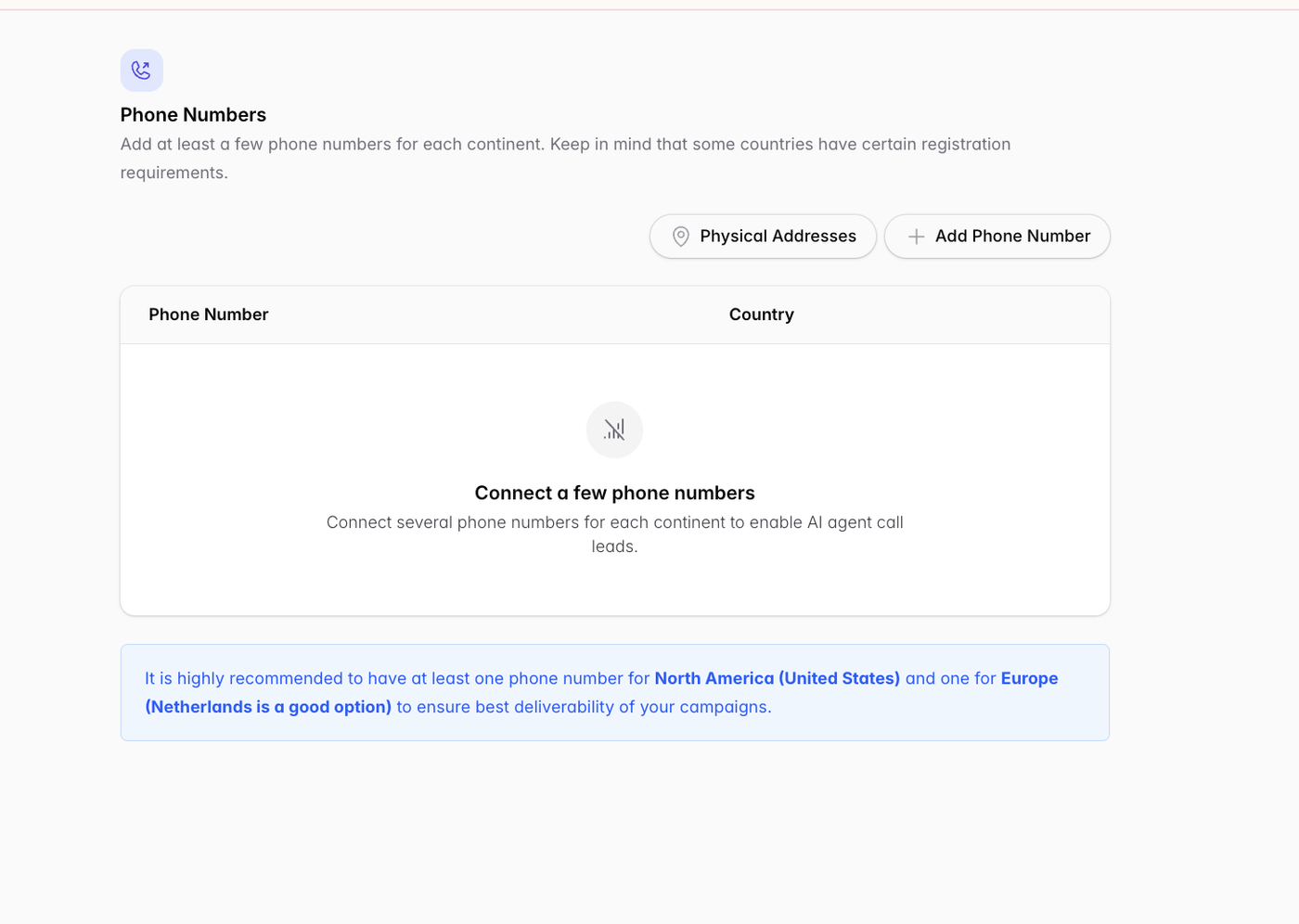
Click + Add Phone Number.
Select the desired country and sub-region.
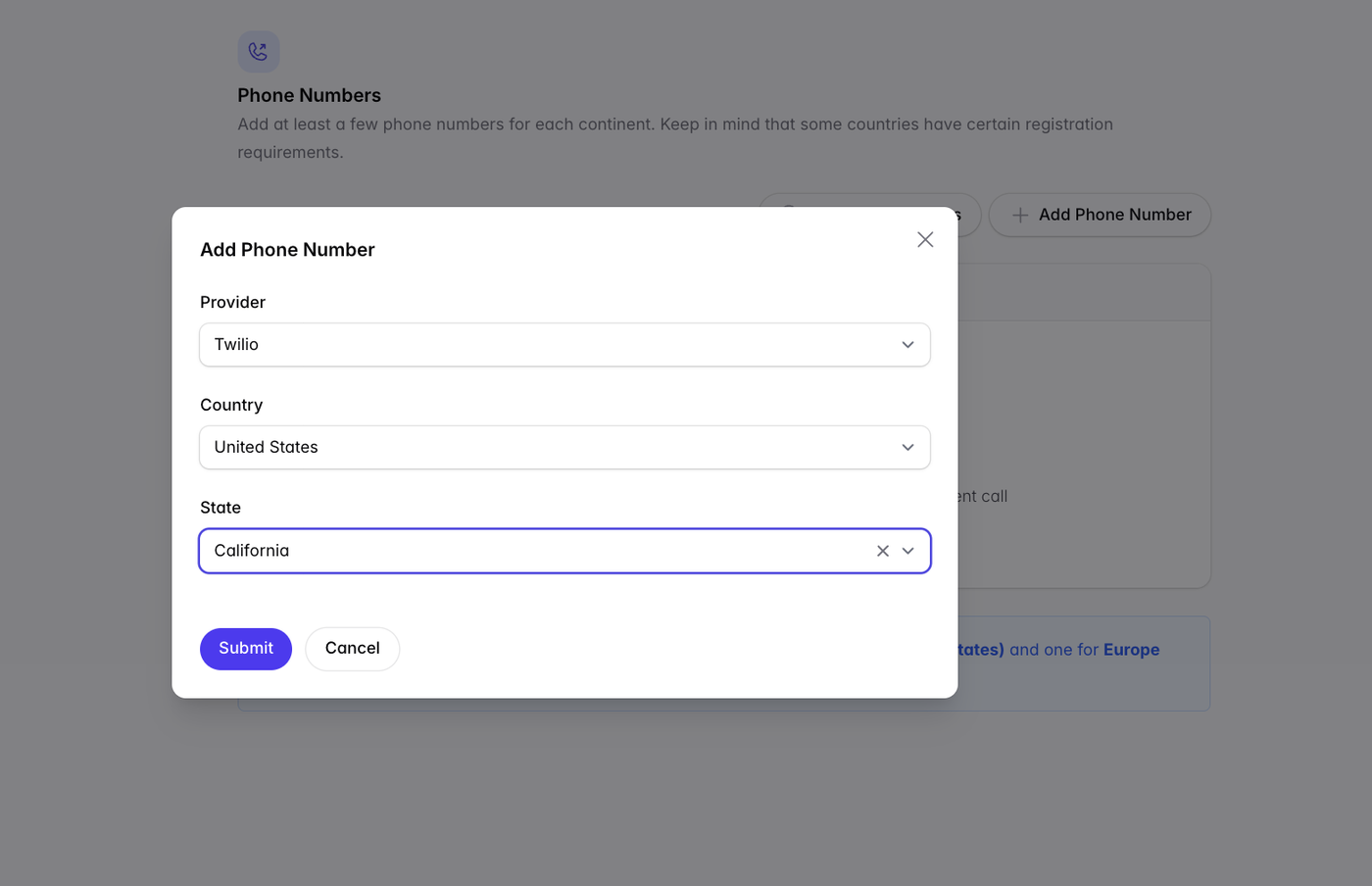
If your desired location isn’t selectable, additional registration may be required:
Click Physical Addresses to add your business’s address.
Contact the Outcraft AI team to help complete the compliance package.
Automatic state matching (US)
Outcraft can place calls from a number matching each lead’s own state, with automatic phone number scaling — a New York lead is called from a New York number, a Georgia lead from a Georgia number. You only need to add one number to start testing.
ℹ Note: Outcraft must register a new US number before it can send texts. The first text from a new US number waits 15 minutes after Outcraft generates the number. Calls from the number do not wait.
Inbound campaigns
For inbound support lines the setup is different — you create one internal number and forward your business line to it → Provide Support (Inbound) Setup Guide