Configuring Outreach Channels: Voice, Email, SMS & WhatsApp
Last updated: November 3, 2026
Enable and configure the channels the agent uses: Voice & Calls, Email, SMS, and WhatsApp. Each channel has its own Configure panel. New abandoned cart campaigns do not show the Configure panel for Email and SMS.
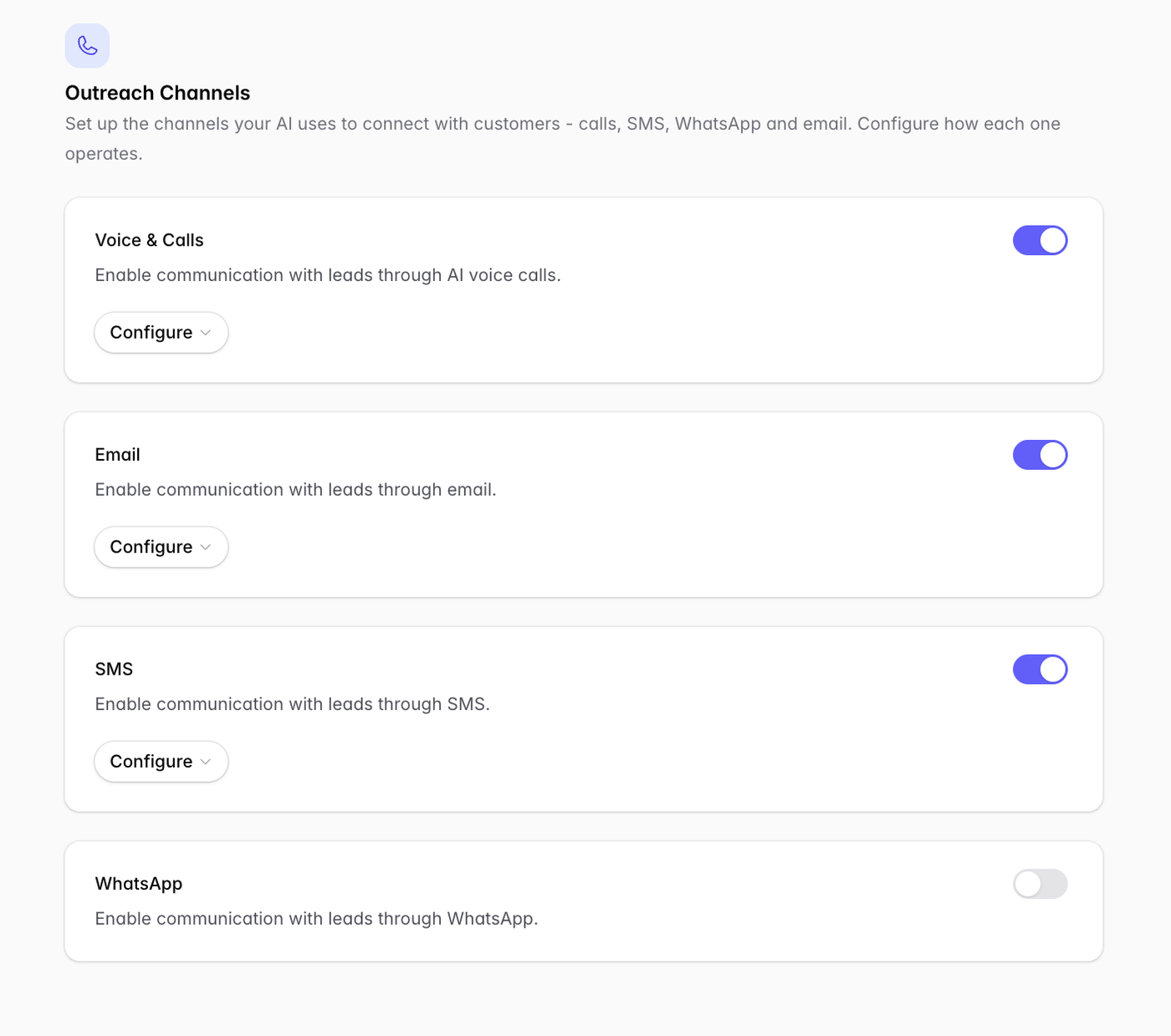
WhatsApp requirements
To enable WhatsApp you must have a Meta for Business account connected to a WhatsApp Business account.
Only one WhatsApp account can be connected to your entire Outcraft AI account.
US SMS requires A2P registration
Before SMS will deliver reliably to US numbers, the campaign’s sender must be registered for A2P (10DLC). Outcraft helps submit this, and approval can take time — start early. EU destinations are exempt from A2P.
Contact Outcraft AI directly to start the compliance application process.
Troubleshooting: all my SMS to US numbers show as undelivered. This almost always means A2P registration is missing. Complete your A2P DLC registration form and provide it to Outcraft Support.
Channel notes by campaign type
Outbound campaigns (Book Appointment, Abandoned Cart, Qualify Lead): enable the channels used in your outreach sequence.
Abandoned cart campaigns: select All channels or Custom channels. You cannot click Continue while calls or SMS are on with no phone number, or while email is on with no mailbox.
Inbound support: Voice & Calls is the essential one; Email/SMS/WhatsApp are complementary.
Related
Phone numbers & regional coverage → Adding Phone Numbers and Phone Number Coverage by Country: Twilio & Telnyx
Email mailboxes → Connecting Email Accounts