Do Not Contact status sync for Klaviyo and HubSpot
Last updated: July 30, 2026
Outcraft AI now syncs the Do Not Contact lead status to your Klaviyo and HubSpot integrations. This keeps the consent of your leads the same in all systems.
When a lead asks you not to contact them, Outcraft AI marks the lead as do-not-contact. Outcraft AI then sends this status to your CRM.
In Klaviyo, Outcraft AI uses the Klaviyo API to unsubscribe the customer from the communication channels.
In HubSpot, Outcraft AI adds a new contact property: outcraft_asked_not_to_contact.
New campaigns
This function works automatically for all new campaigns. You do not need to do anything.
Existing campaigns
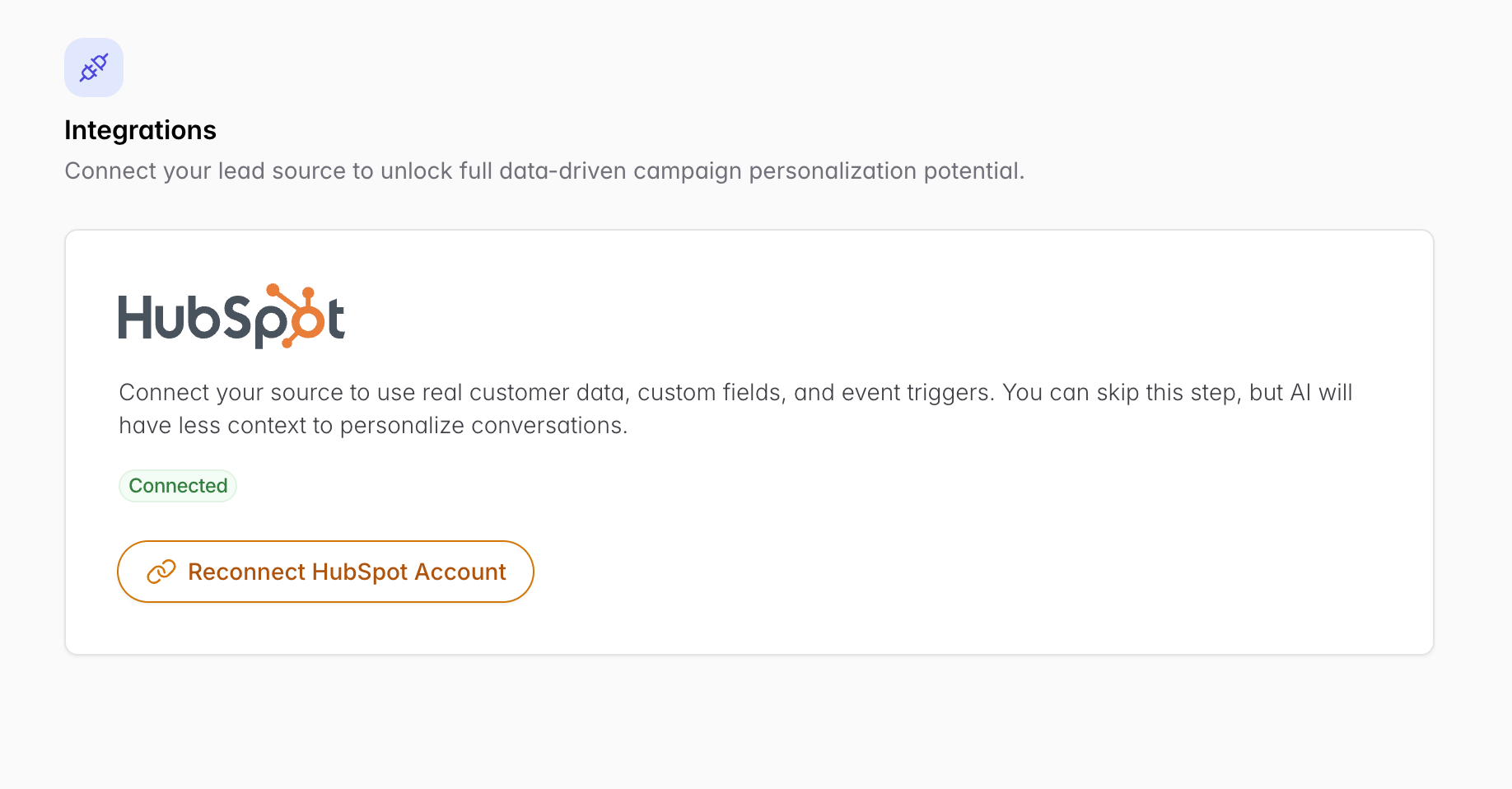
For an existing campaign, you must reconnect your integration one time. When you reconnect, you give Outcraft AI a new scope grant. This scope grant lets the function work.
To turn on this function for an existing campaign, do these steps:
Go to the campaign setup.
Click the "Reconnect" button.
Authenticate your integration again.
The "Reconnect" button shows only in campaigns that meet these two conditions:
You connected the campaign before this update.
The campaign does not have the new permission.
Note: You do not have to reconnect. If you do not reconnect, the rest of Outcraft AI works as usual, but this function does not work for that campaign.
Get your leads by status with the API
You can also view Do Not Contact status with the API. You can use this endpoint to get your leads by status, for example the do-not-contact status. Use the endpoint if you want to get the leads manually.
To read about the endpoint, go to the documentation: https://app.outcraft.ai/docs#tag/leads/GET/api/v2/leads