Mapping Custom Properties from HubSpot & Klaviyo
Last updated: July 16, 2026
If you use Klaviyo or HubSpot as a lead source, you can modify the properties ingested into Outcraft so metadata and custom fields come in correctly.
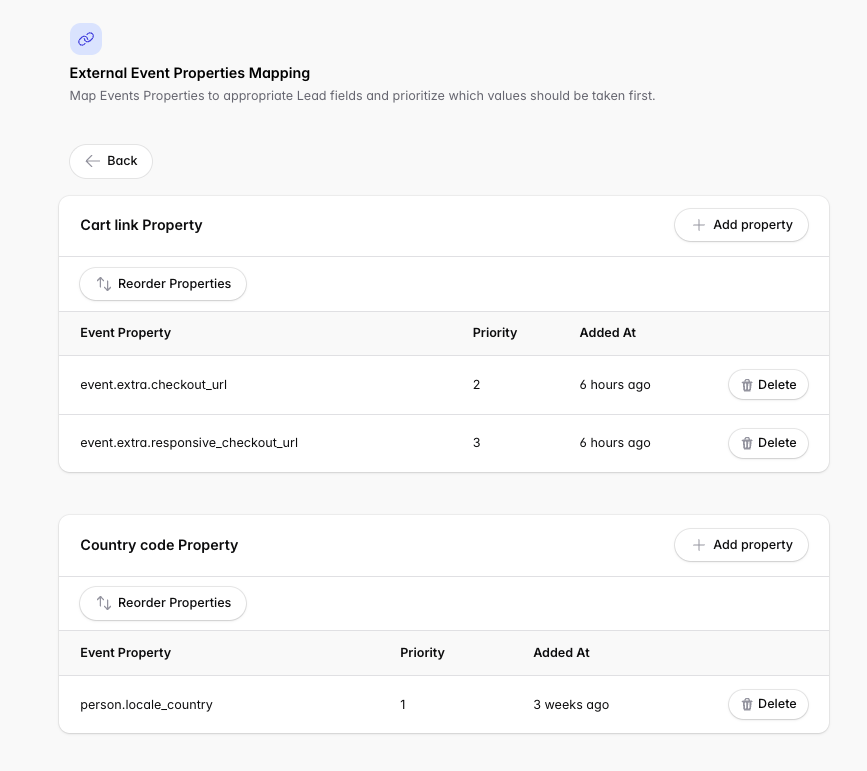
Example: the default Klaviyo cart URL provided by Shopify is cart_link, but yours may be configured as extra.checkout_url. In that case, re-map the property so the platform reads it correctly.
To make these changes, go to Campaigns → [Campaign Name] → Lead Source.
HubSpot
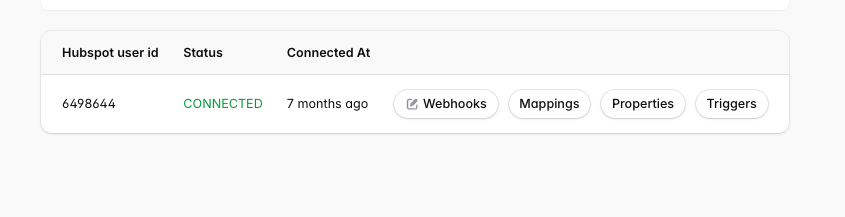
Click Mappings to load the properties.
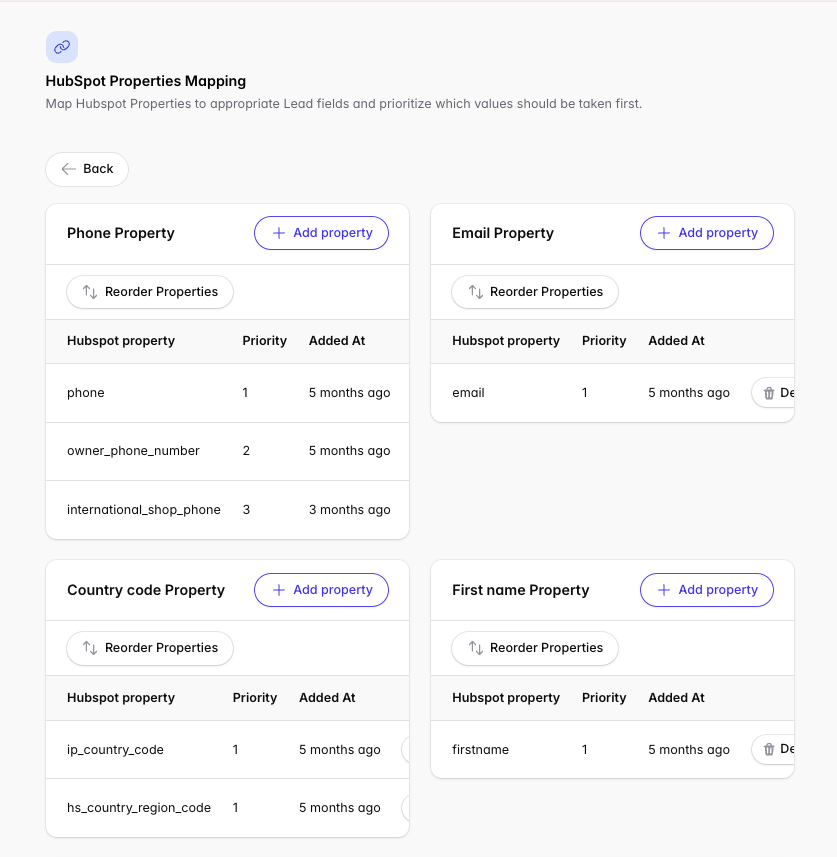
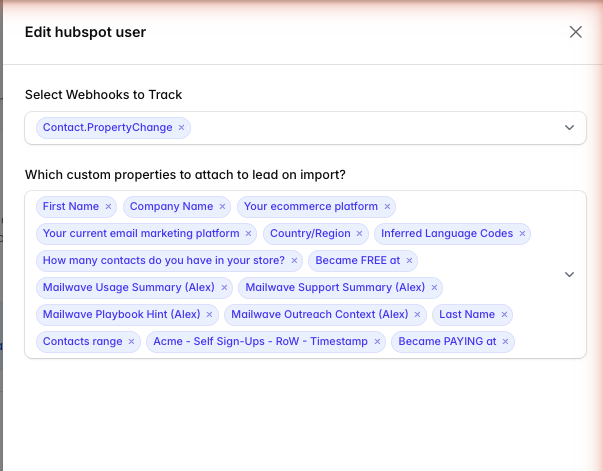
From the Webhooks page, configure the custom contact properties brought from HubSpot into Outcraft to create additional context the agent can reference during outreach — for example, a preferred language the lead provided in a web form.
Klaviyo
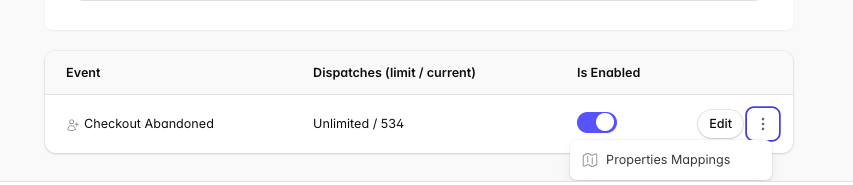
Click the three vertical dots on the Klaviyo lead source, then Properties Mappings.
Related
Using custom fields in your campaign prompt → Writing Your Campaign Brief